New to the lounge? Start here.
A little guide.
A clearer first move.
Pick a perspective. Make it yours. Understand exactly what happens next.
Your guide to minting, staking and fee-funded allocations.
Step 1 · Your wallet, your move
Come on in.
Use Connect MetaMask on the collection page. Select your wallet and switch to Robinhood Chain when asked.
Connecting is free. You need ETH on Robinhood Chain for a paid mint and for network fees. Read each MetaMask request before confirming.
Step 2 · Find your perspective
Pick your person.
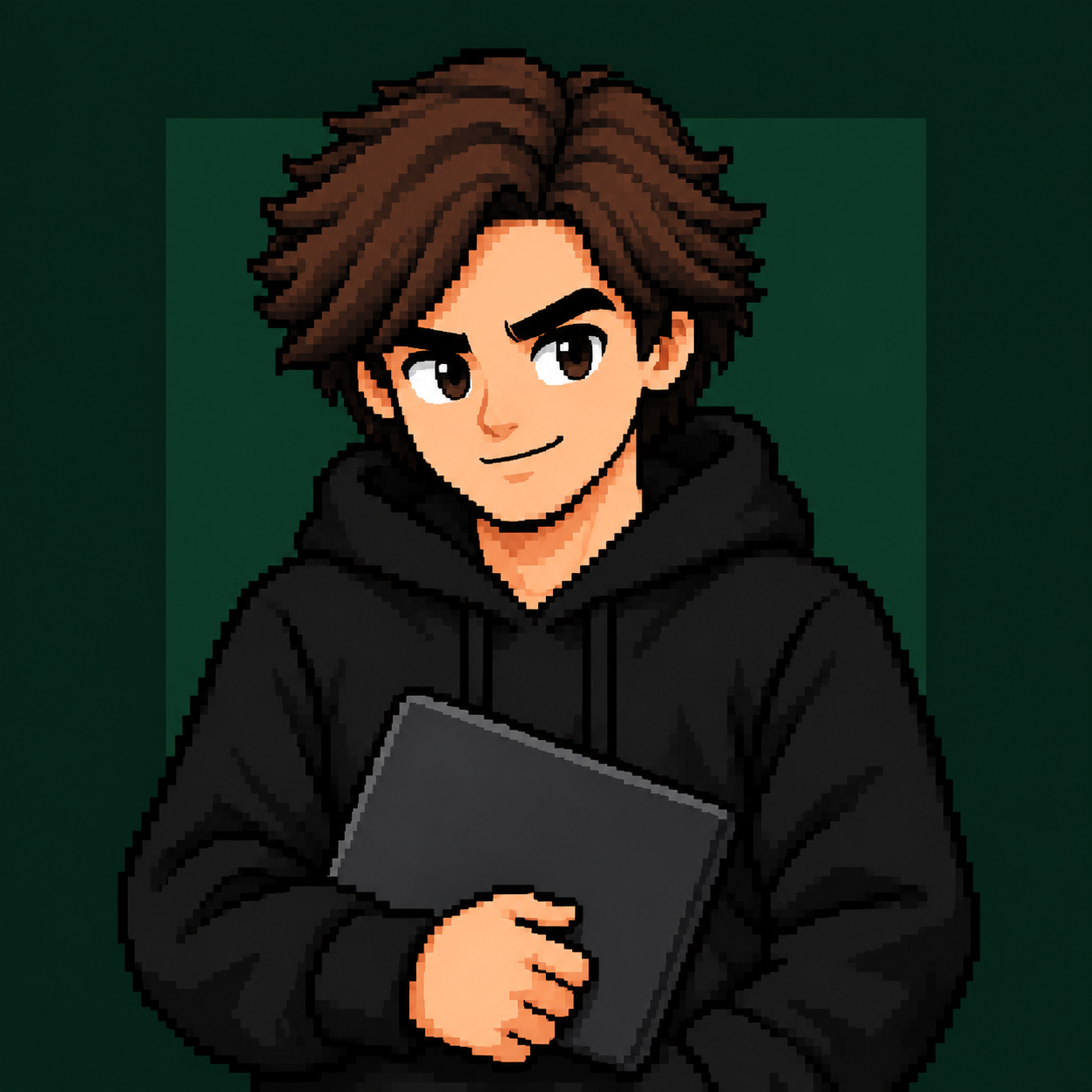
Click an NFT to see what its strategy targets, how it is funded, and what you receive. There are 50 NFTs in each of the five original categories.
Choose Mint in your allocation desk. The website allows up to 5 NFTs per wallet in total across all five editions, even after staking or transferring your NFT. The initial replacement mint price was set from 10 EUR and converted to a fixed ETH amount at activation. The current ETH price is shown at checkout; its euro value changes with ETH. The administrator can update prices for future purchases. Network fees are additional. MetaMask shows the exact ETH payment and network fee before you sign.

Step 3 · Make the stake active
Stake once.
You're in.
- Choose StakeSelect the NFT and quantity you own.
- Confirm the depositConfirm Stake NFTs in MetaMask. The NFTs are immediately active when the transaction is confirmed.

Step 4 · Follow the fees
One active NFT.
One equal share.
The intended flow starts with designated ALOC creator fees from Pons. The fees are collected into the dev wallet. The operator selects a budget, and the service records active stakers at a confirmed block. The budget is divided equally per active NFT. Distributions begin after ALOC launches and generates available creator fees; they do not wait for NFT sales to close. Newly activated stakes enter the next snapshots, and each distribution recalculates the shares.
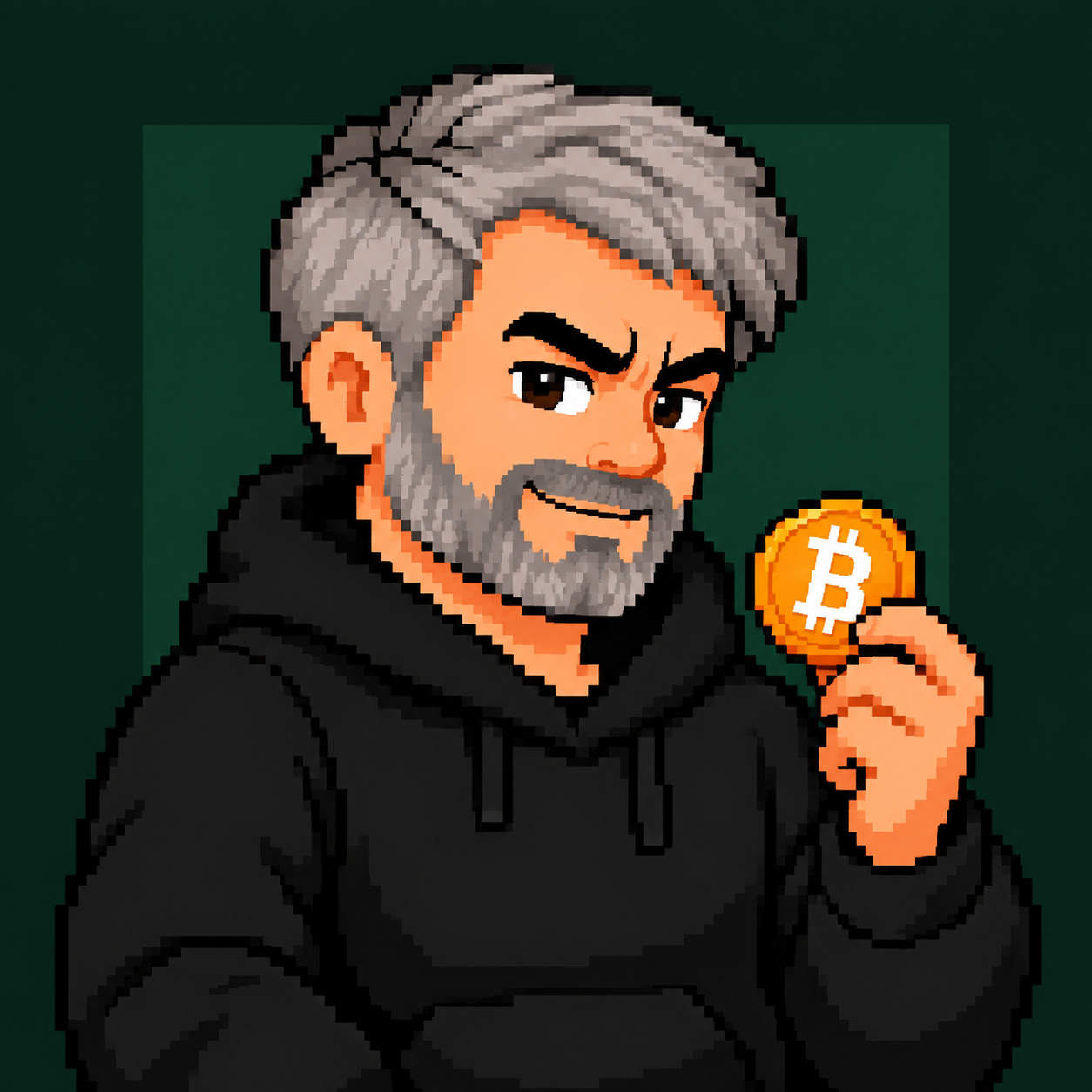
If a round has 10 active NFTs, each represents roughly one tenth of the funding. Three Saylor NFTs would together direct roughly three tenths to the Saylor strategy. Rounding may apply.
Step 5 · Back to your wallet
Your assets.
Your next move.
For all five editions, the dev wallet buys the selected tokens and sends your share directly to your Robinhood Chain wallet. You do not need to claim them. Purchases and transfers are signed by the project operator.
The fees stay under the project operator's control until spent. The recorded allocation is not a vault balance that you can withdraw yourself.
Picked Saylor? Your allocation buys cbBTC, a wrapped Bitcoin token on Robinhood Chain, and sends it to the same wallet used for staking. You do not need a separate Bitcoin address. This is cbBTC, not native Bitcoin. Read the cbBTC walkthrough ↗
You can also Unstake to return your NFT to your wallet. Already recorded allocations stay assigned to you; the withdrawn NFT stops counting toward future distributions.
You've got the idea.
Choose. Stake. Activate.
Follow your allocation.
The next step is finding the perspective that feels like you.